
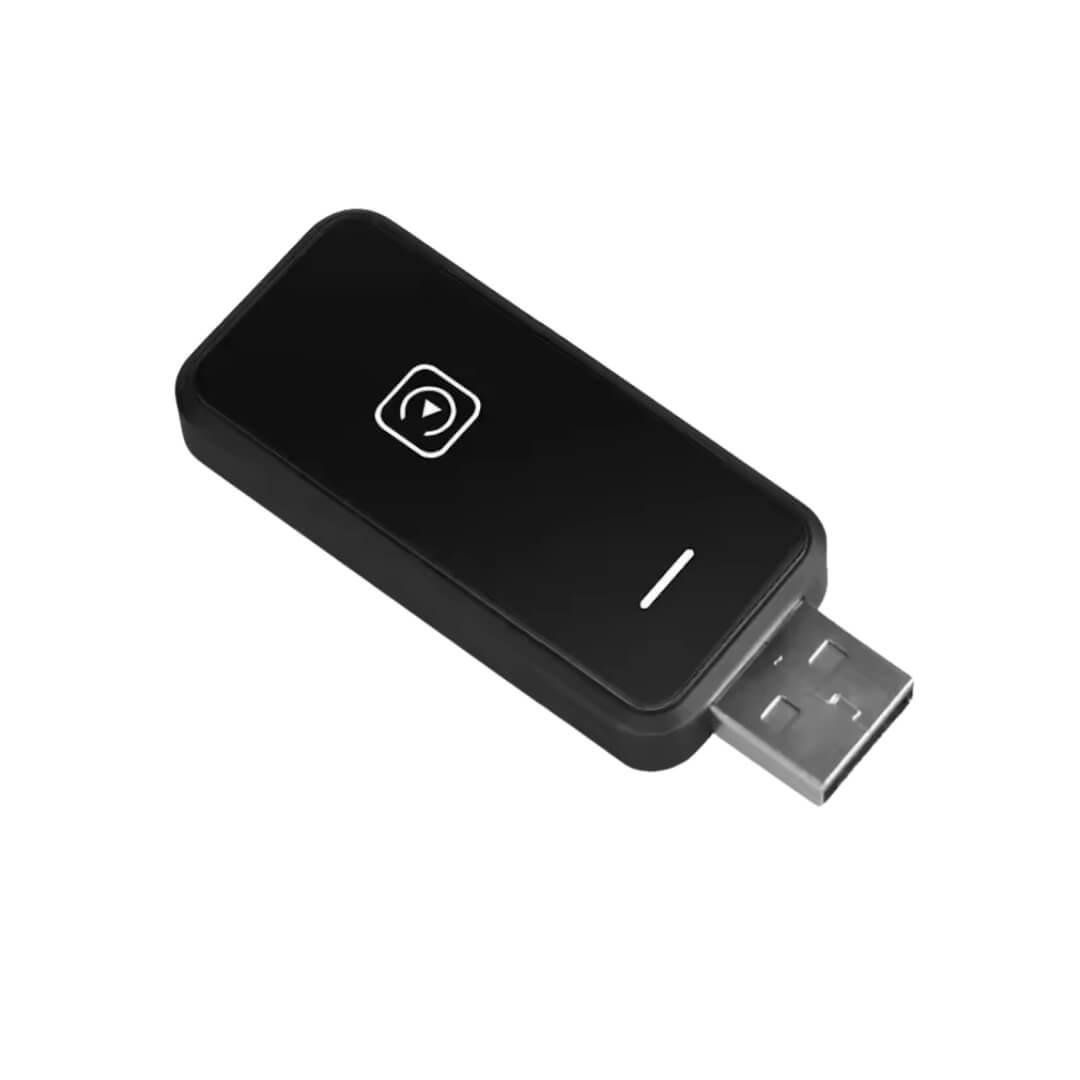
Key Takeaways of Hoom CPA-1 AA Adapter
Main benefit: Turn wired CarPlay into wireless Android Auto connection
Primary use case: Use maps, music, and calls wirelessly on your car screen
Compatibility: Works with factory wired Apple CarPlay/Android Auto vehicles
Key Benefits of CPA-1 Android Auto AI Box
- Convert factory wired CarPlay into wireless Android Auto and wireless CarPlay
- Enjoy cable-free navigation, music, and phone calls
- Keep original car controls and infotainment system
- Setup takes about 30 seconds
This wireless android auto Hoom adapter plugs into the USB port used for wired CarPlay. Once installed, the adapter creates a wireless connection between your phone and the car screen using Bluetooth and Wi-Fi.
After the first pairing, the device automatically reconnects each time you start your car.
- Google Maps
- Waze
- Apple Maps
- Spotify
- Apple Music
- Voice assistants like Siri or Google Assistant
The wireless android auto adapter keeps all original vehicle features including steering wheel buttons, touchscreen controls, and voice command buttons.
Here are the key features:
- The adapter works as a wireless android auto adapter that connects Android smartphones without cables.
- Drivers simply plug the device into the car’s USB port and pair their phone once.
- Use Siri or Google Assistant using the vehicle’s voice command button.
- Steering wheel buttons, touchscreen controls, and infotainment system features remain unchanged.
Technical Specifications
| Specification | Details |
| Model | CPA-1 |
| Brand | Hoom |
| Connection Type | Bluetooth + Wi-Fi |
| Wi-Fi Standard | 2.4 GHz + 5 GHz |
| Interface | USB / Type-C |
| Voltage | 5V USB |
| Installation | Plug & Play |
| Certification | CE |
| Resolution Support | Adaptive screen |
| HD Support | 1080p |
| Content Support | Audio and Video |
| Device |
Supported |
| iPhone | Yes— iPhone 6 or newer (iOS 10+) |
| Android phones | Yes — Android 10+ |
| Vehicles with wired CarPlay | Yes |
| Vehicles without wired CarPlay | No |
What’s in the Box
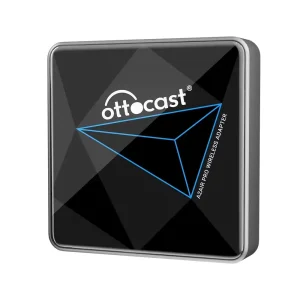
- Hoom CPA-1 Wireless CarPlay & Android Auto Adapter
- User manual
- Packaging box
How to Install the Wireless CPA-1 Android Auto Adapter
- Plug the CPA-1 adapter into the car’s CarPlay USB port.
- Connect your smartphone using Bluetooth for the first setup.
- The system reconnects automatically on future drives.
Before installing the wireless android auto adapter
- Phone must connect with cable
- Dashboard clutter from cables
- Slower connection process
After installing the wireless android auto adapter
- Automatic wireless connection
- Clean dashboard
- Faster access to navigation and music apps
FAQ Regarding Hoom CPA-1 Wireless Android Auto Adapter
1 . What is a wireless android auto adapter?
A wireless android auto adapter is a device that converts wired Apple CarPlay or Android Auto systems into wireless smartphone connections.
2 . Who should buy a wireless android auto adapter?
Drivers who already have factory wired CarPlay/Android Auto but want wireless smartphone connection should buy this adapter.
3 . How does the wireless android auto adapter work?
The adapter plugs into the CarPlay/AA USB port and connects the smartphone to the car screen using Bluetooth and Wi-Fi.
4 . What’s included with the wireless android auto adapter?
The package includes the CPA-1 adapter, user manual, and packaging box.
5 . Is the wireless android auto adapter compatible with my phone?
Yes. It supports iPhone 6 or newer with iOS 10+ and Android phones running Android 10 or later.
6 . What are the specifications of the wireless android auto adapter?
The device uses Bluetooth + dual-band Wi-Fi, supports USB power.
Reviews
There are no reviews yet.