
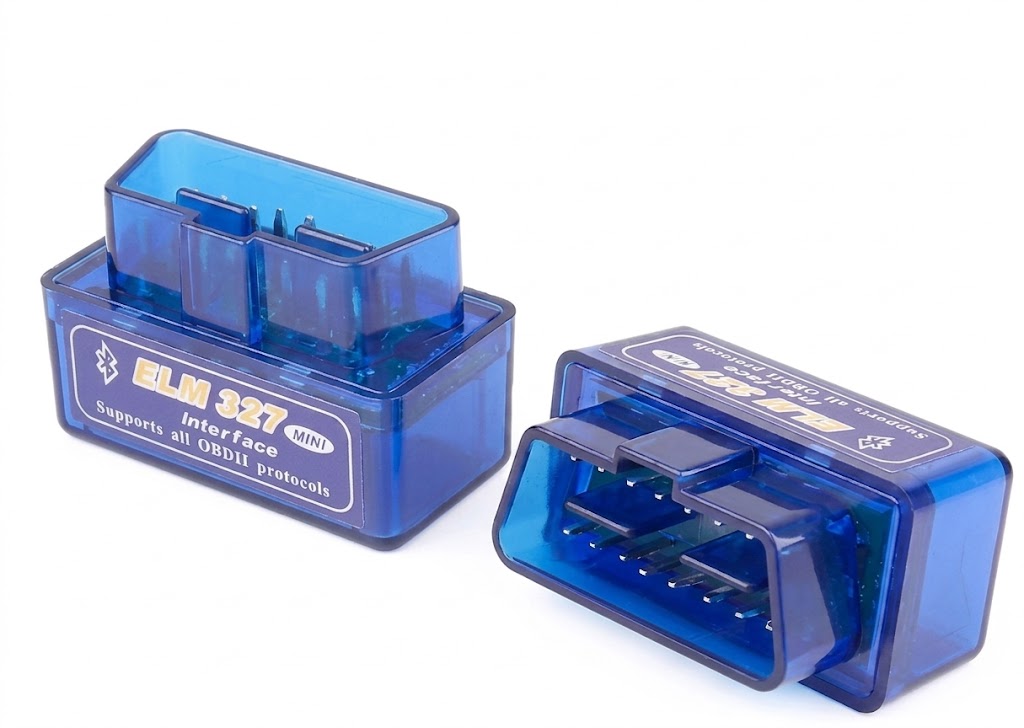
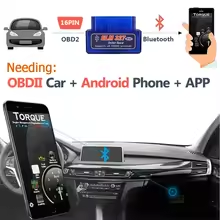
Product Overview
| Feature | Details |
| Model |
Mini ELM327 Bluetooth V2.1 |
| Interface |
Standard 16-PIN OBD2 / OBDII |
| Connectivity |
Bluetooth Wireless |
| Power Source |
12V DC via vehicle OBD port (No battery required) |
| Compatible OS |
Android devices, Windows PC (Not compatible with iOS Bluetooth) |
| Material & Design |
Transparent ABS plastic shell, ultra-mini compact design |
Key Features
-
Fault Code Diagnostics: Reads diagnostic trouble codes (DTCs) and clears the vehicle check engine warning light.
-
Real-Time Data Monitoring: Tracks engine RPM, calculated load value, coolant temperature, vehicle speed, intake manifold pressure, and timing advance.
-
Fuel & Emissions Tracking: Monitors fuel system status, fuel pressure, fuel consumption statistics, and oxygen sensor working status.
-
Freeze Frame & VIN Data: Displays freeze frame data when faults occur and reads vehicle VIN information.
Vehicle Compatibility
-
US Vehicles: Gasoline models manufactured after 1996.
-
European Vehicles: Gasoline models manufactured after 2001.
-
Asian Vehicles: Gasoline models (Japan, South Korea, China) manufactured after 2003.
-
Exclusions: Does not support 24V heavy-duty trucks, motorcycles, or electric vehicles without OBDII protocol.
Quick Setup Guide
| Step | Action |
| 1. Plug In |
Insert the scanner into the vehicle’s 16-pin OBD port (usually under the dashboard). |
| 2. Turn Power On |
Turn ignition key to the ON position (engine off or running). |
| 3. Pair Bluetooth |
Pair phone via Bluetooth (Device: |
| 4. Open App |
Launch Torque Pro, OBD Car Doctor, or Car Scanner ELM OBD2 to connect. |
Reviews
There are no reviews yet.